

What Is the Zootopia 2 Filter
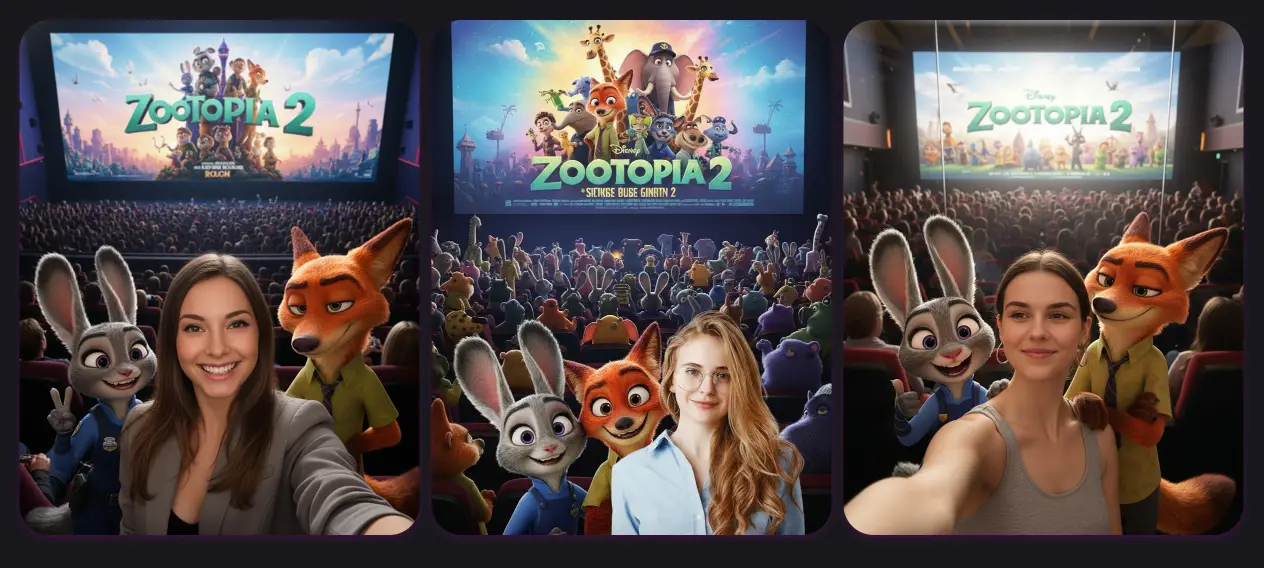
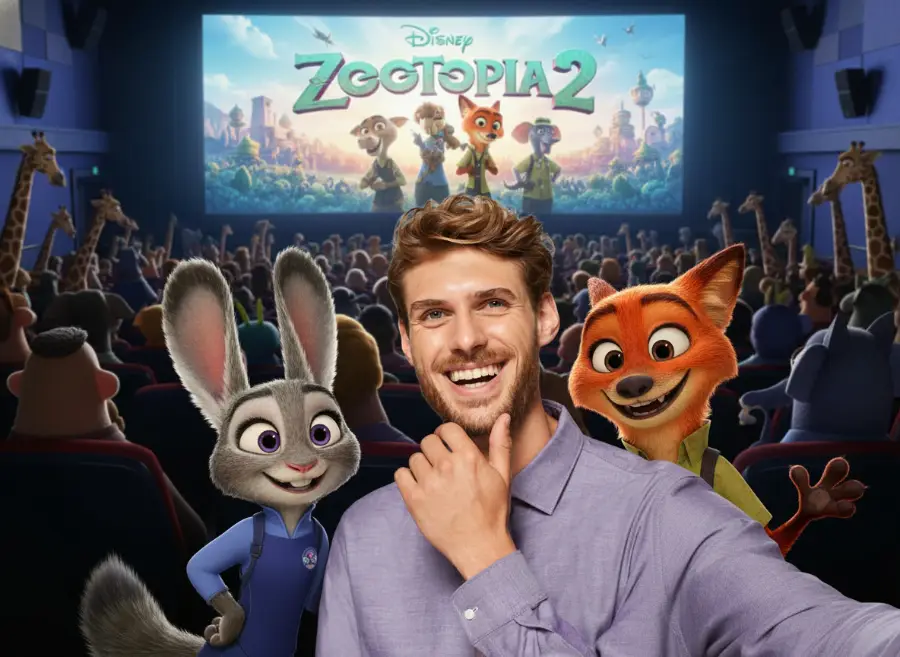
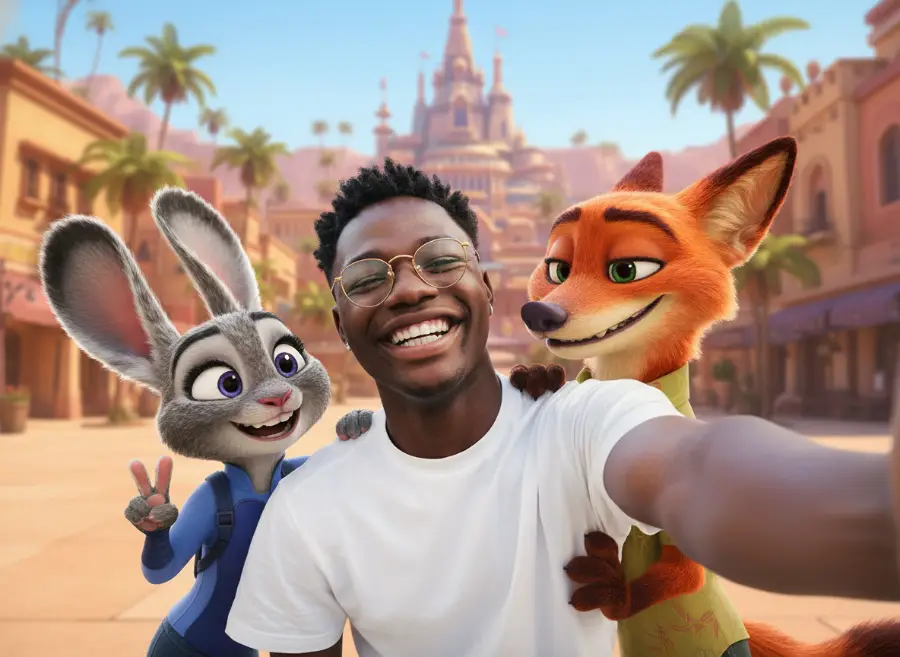
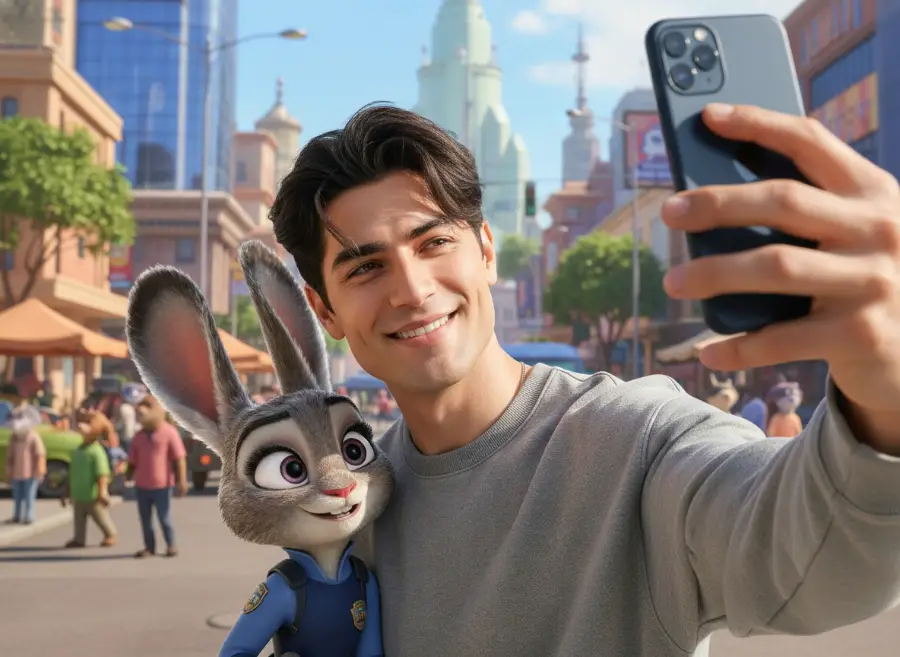
The Zootopia 2 filter is a trending AI-powered photo effect that transforms your selfies into cinematic scenes from the beloved animated movie universe. Powered by the advanced Nano Banana AI image model, this innovative filter creates stunning cinema-style compositions where you can pose alongside iconic Zootopia 2 characters like Judy Hopps and Nick Wilde, bringing the magic of the animated world directly into your photos.
AI-Powered Character Integration
Using sophisticated AI prompt technology, the Zootopia 2 filter seamlessly blends your photo with the animated characters, maintaining realistic lighting and proportions for authentic-looking results.
Cinema-Quality Scene Creation
Generate movie theater-style scenes that capture the warm, vibrant atmosphere of the Zootopia 2 universe, complete with proper depth, lighting, and cinematic composition.
Viral Social Media Trend
Join millions of fans worldwide who are creating and sharing Zootopia 2 filter photos across social media platforms, making it one of the most popular AI photo trends of 2025.
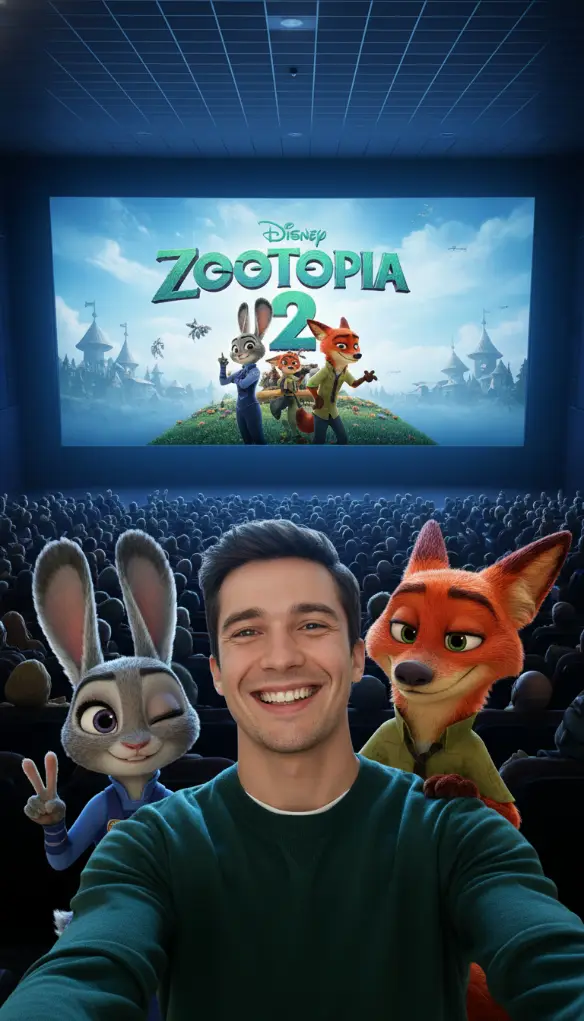
Create Magical Zootopia 2 Moments
Transform your ordinary selfies into extraordinary Zootopia 2 adventures with our advanced AI filter technology. Perfect for fans, content creators, and anyone wanting to join the viral trend.
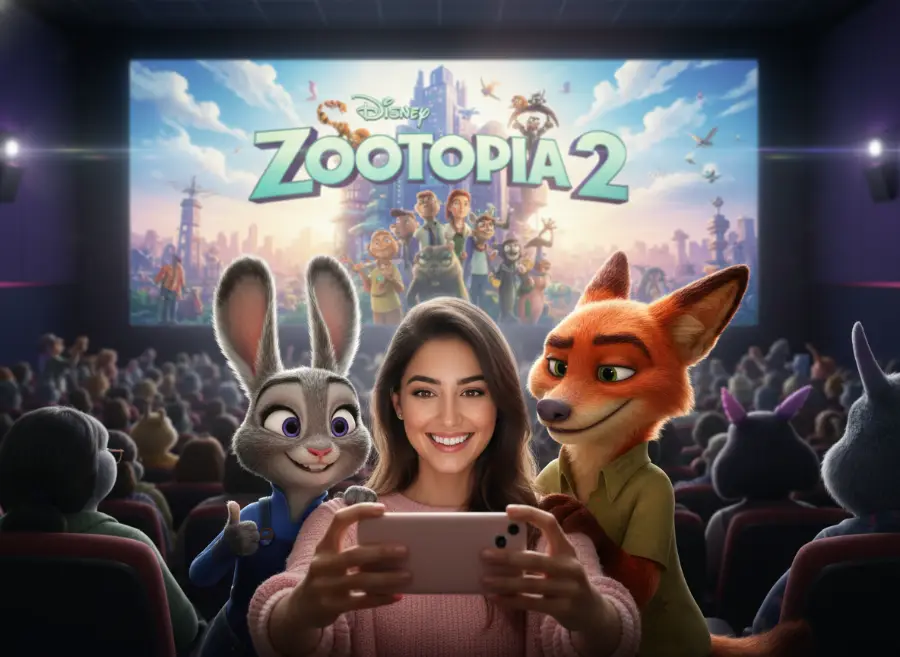
How to Take Photos with Zootopia 2 Characters
Create your magical Zootopia 2 selfie in three simple steps and join the viral trend that's taking social media by storm.
Upload Your Selfie Photo
Start by uploading a clear selfie or group photo. For best results, use well-lit photos with good contrast. The AI works great with both individual portraits and group shots.
Paste Your Zootopia 2 Prompt
Copy one of our trending Zootopia 2 prompts from the examples below, or create your own custom prompt describing which characters you want to meet and what scene you'd like to create.
Download Your Generated Photo
Watch as the AI transforms your photo into a magical Zootopia 2 scene. Download your cinema-quality result and share it on social media to join the viral trend.
Zootopia 2 Prompts Are Trending Now
Copy these viral Zootopia 2 prompts to create stunning character selfies, or use them as inspiration for your own custom Zootopia adventures:
| Title | Prompt | Preview | Action |
|---|---|---|---|
| Movie Theater Experience | Place me in a movie theater setting watching Zootopia 2, with Judy Hopps sitting to my left and Nick Wilde to my right. We're all looking toward the screen with excited expressions, sharing popcorn. The theater should have dim ambient lighting with the glow from the movie screen illuminating our faces. Include movie theater details like cup holders and comfortable seats. |  | |
| Police Station Adventure | Create a scene where I'm visiting the Zootopia Police Department with Judy Hopps showing me around while Nick Wilde leans casually against a desk. Judy should be in her full police uniform pointing to something interesting, while Nick has his typical relaxed pose. The background should include police station details like desks, computers, and the ZPD logo. |  | |
| Tundratown Winter Scene | Transport me to Tundratown's snowy district with Judy Hopps and Nick Wilde, all of us bundled up in winter coats. We're standing in front of an ice cream shop with snow gently falling around us. Judy should look excited about the cold weather while Nick appears slightly less enthusiastic. Include icy buildings and polar bear citizens in the background. |  | |
| Sahara Square Desert Adventure | Place me in the hot, sandy environment of Sahara Square with Judy and Nick, all of us wearing desert-appropriate clothing. We're standing near a palm tree oasis with the desert cityscape behind us. Judy should be wiping sweat from her brow while Nick looks more comfortable in the heat. Include sand dunes and Middle Eastern-inspired architecture. |  | |
| Rainforest District Exploration | Create a lush, tropical scene in the Rainforest District where I'm exploring with Judy Hopps and Nick Wilde among giant plants and misty waterfalls. We're all looking up in wonder at the towering vegetation. Judy should appear curious and investigative while Nick maintains his cool demeanor. Include exotic plants, hanging vines, and humid atmosphere effects. |  |
When Zootopia 2 Filter Creates Perfect Moments
Discover the most popular ways fans are using the Zootopia 2 filter to create viral content and memorable experiences.
Viral Social Media Content
Create trending posts for Instagram, TikTok, and Twitter that showcase your love for Zootopia 2. These character selfies consistently generate high engagement and help you connect with the global Zootopia fan community.
Movie Premiere Celebrations
Perfect for celebrating the Zootopia 2 movie release with friends and family. Create memorable photos that capture the excitement of experiencing the new movie alongside your favorite characters.
Fan Art and Creative Projects
Use your Zootopia 2 filter photos as inspiration for fan art, cosplay planning, or creative storytelling projects. The realistic character interactions provide excellent reference material for artists and creators.
Family Entertainment and Bonding
Bring joy to children and Disney fans of all ages by creating magical photos where family members can meet their beloved Zootopia characters. Perfect for birthday parties, family gatherings, or just everyday fun.
Zootopia 2 Filter - Frequently Asked Questions
Find comprehensive answers to common questions about our Zootopia 2 filter and learn how to create the most realistic character interactions.
Join the Zootopia 2 Filter Trend Today
Step into the magical world of Zootopia 2 and create viral character selfies with Editimg.ai's advanced AI filter technology. Meet Judy Hopps, Nick Wilde, and explore the animated universe like never before. Start your Zootopia adventure now.