


Create Stunning Winter Photos with AI
Transform your photos into beautiful winter scenes with Editimg.ai's AI snow filter. Powered by the Gemini Nano Banana AI image model, our tool intelligently analyzes your images and adds realistic snow effects, winter lighting, and atmospheric elements to create captivating seasonal imagery using Gemini AI snow photo prompts.
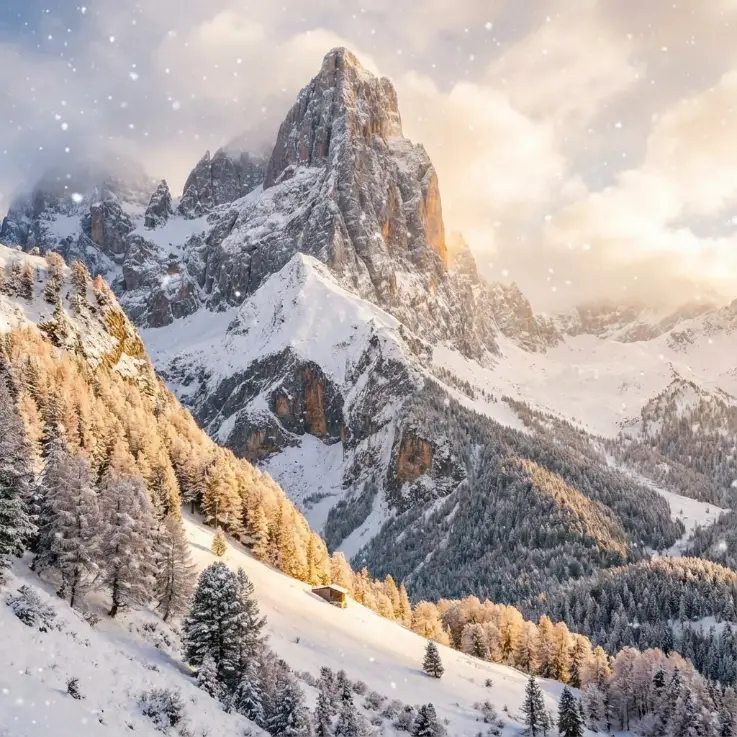
Transform Photos into Winter Scenes
Turn any ordinary photo into a magical winter wonderland with our AI snow filter. Perfect for creating holiday cards, social media content, and seasonal photography.
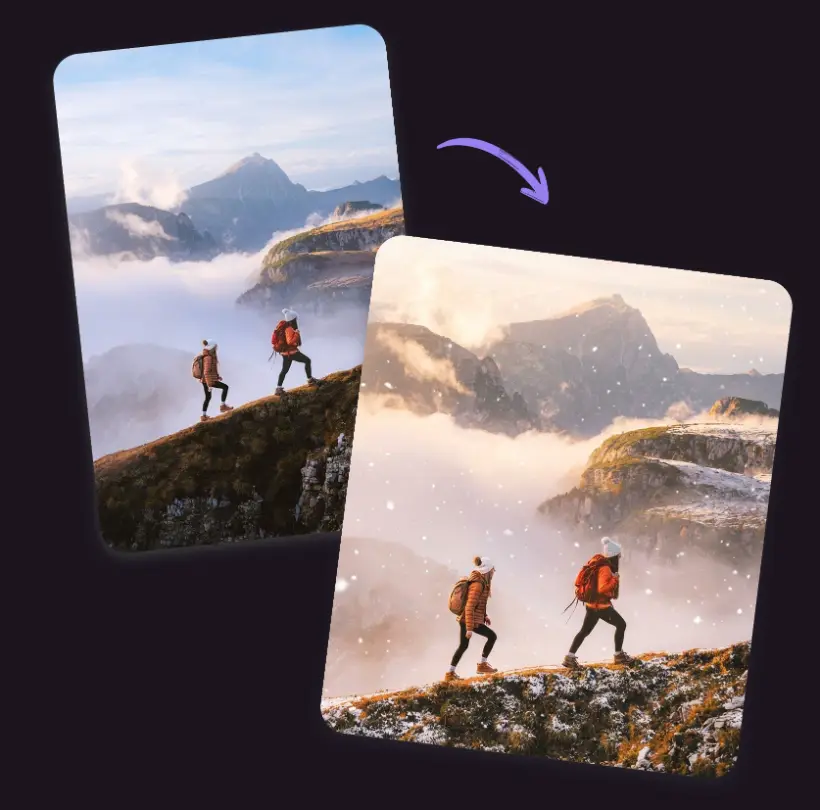
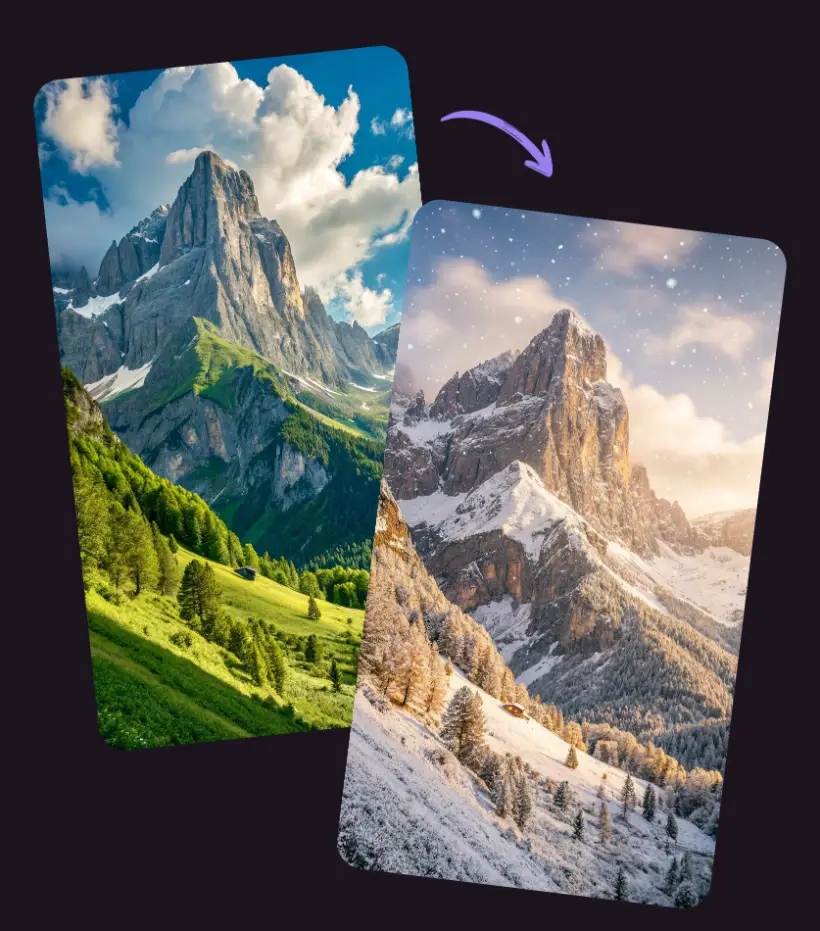
How to Use AI Snow Filter
Transform your photos into winter wonderlands with our simple three-step process.
Upload Your Photo
Start by uploading the image you want to transform. Our AI snow filter works with JPG, PNG, and WEBP formats. Choose any photo - portraits, landscapes, or cityscapes work great.
Copy a Prompt or Enter Your Own
Browse our prompt examples table below and copy one that matches your vision, or write your own custom prompt describing the snow effect you want. Be specific about snow intensity and style.
Generate and Download
Click generate to create your winter transformation. The AI will process your photo and add realistic snow effects. Download your new winter photo when ready.
When AI Snow Filter Makes Perfect Sense
Discover practical scenarios where our AI snow filter transforms ordinary photos into extraordinary winter content.
Upgrade Your Social Media Avatar
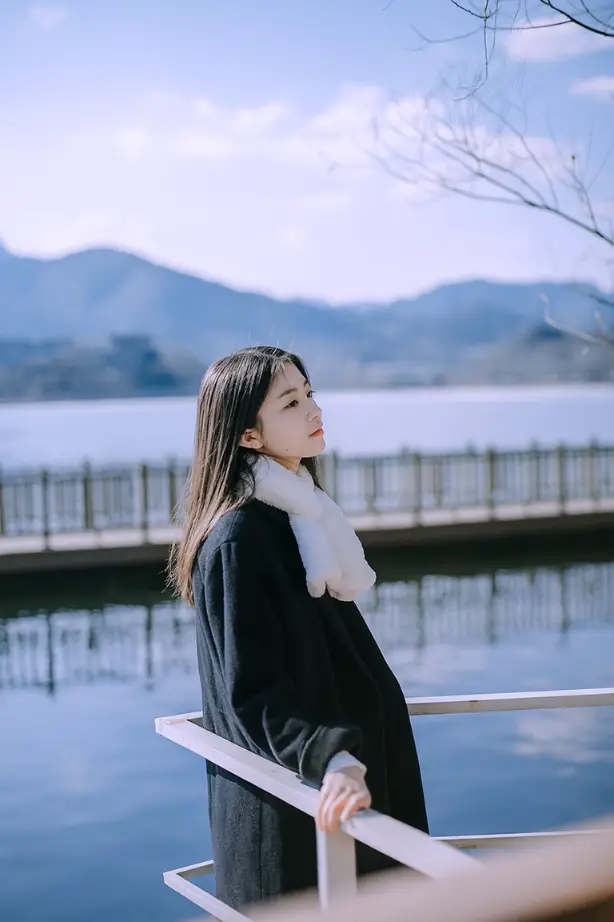
Give your profile photo a winter makeover by adding enchanting snow effects to your existing portrait. Perfect for updating your LinkedIn, Instagram, or Facebook avatar during the cold season without scheduling a new photoshoot in freezing weather.
Create Engaging Winter Content
Transform your travel memories or group photos into captivating winter-themed posts that boost social media engagement. Add atmospheric snowfall to beach vacations or hiking adventures to create unique seasonal storytelling that stands out in crowded feeds.
Design Memorable Holiday Cards
Convert everyday family moments, pet photos, or scenic landscapes into magical holiday card designs. Whether it's a backyard barbecue or summer picnic, add festive snow elements to create heartwarming Christmas and New Year greetings that recipients will keep.
Enhance Business Marketing Materials
Revitalize your existing product photography and brand visuals with seasonal snow effects for winter promotions. Transform spring or summer campaign images into compelling winter marketing assets that drive holiday sales and seasonal engagement.
Snow Effect Prompt Examples
Copy these proven Gemini AI snow photo prompts to create stunning winter transformations, or use them as inspiration for your own custom prompts:
| Title | Prompt | Preview | Action |
|---|---|---|---|
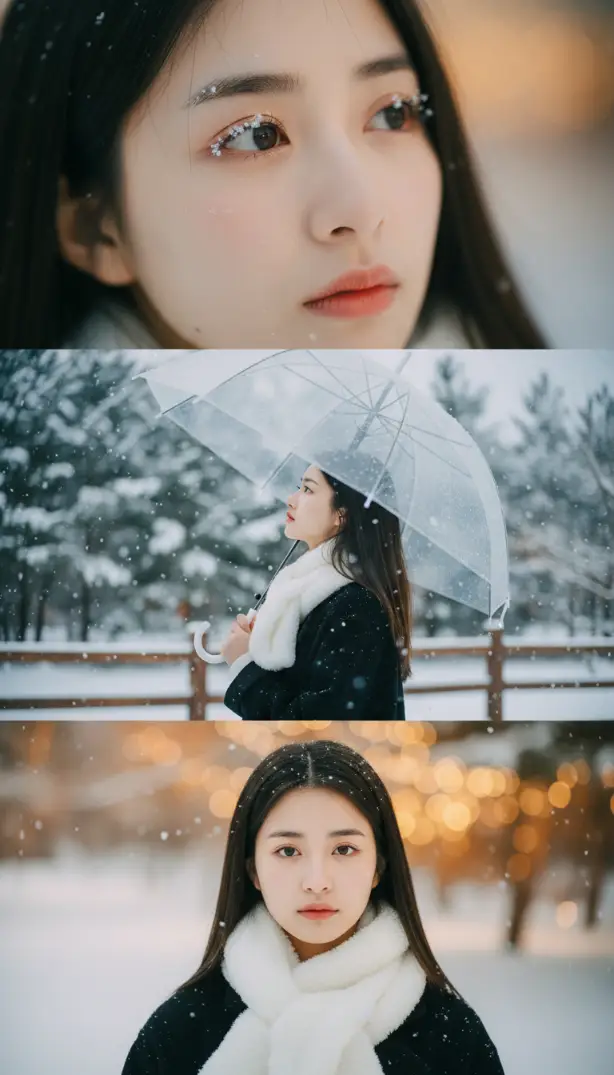
| Cinematic Three-Panel Portrait | Create a vertical 9:16 cinematic composite of me in winter snow, split into three stacked frames. Top: close-up of my eye and cheek with snowflakes on lashes and rosy skin. Middle: ¾ profile gazing upward, holding a clear umbrella as snow falls. Bottom: chest-up portrait facing camera with quiet melancholy. Lighting: soft daylight, HDR tone, shallow depth (85 mm f/1.2). Outfit: black wool coat, thick white scarf. Mood: emotional, calm winter romance. | 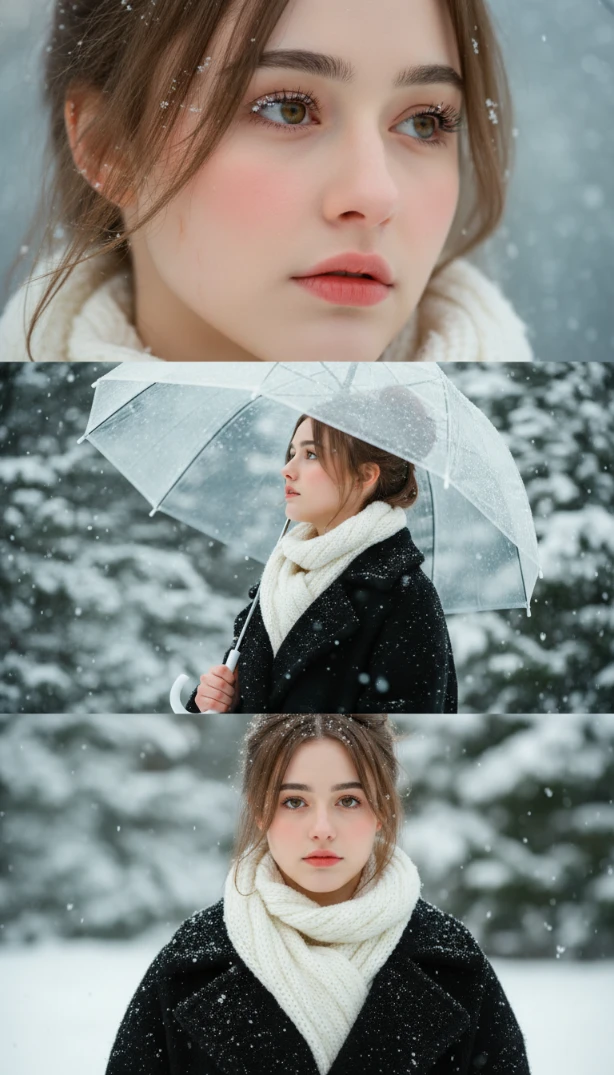 | |
| Two-Frame Close-Up Story | Use my exact facial features from the reference photo — identical face shape, eyes, nose, lips, ears, and hairstyle. Create a 9:16 cinematic vertical composition divided into two stacked frames showing me in winter snow. Mood: calm, emotional, cinematic — like a romantic winter film. Top frame (macro close-up): tight focus on my eye and cheek with delicate snowflakes on lashes and a few on my rosy cheek. Pale, softly glowing skin with natural pores, cold redness around nose and cheeks, realistic frost detail, HDR tone. Bottom frame (portrait close-up): chest-up, facing camera with quiet emotion, lips slightly parted, eyes faintly tearful from the cold. Cheeks and nose flushed from frost, snowflakes on black wool coat and thick white knitted scarf (wrapped once, ends hanging naturally, hair tucked inside), holding a clear umbrella, no hat. Lighting: soft cinematic daylight, realistic HDR tone, shallow depth (85mm f/1.2), natural skin texture and bokeh. Negative prompt: cartoonish, fake snow, flat lighting, overexposed whites, unrealistic anatomy, anime, hats. | 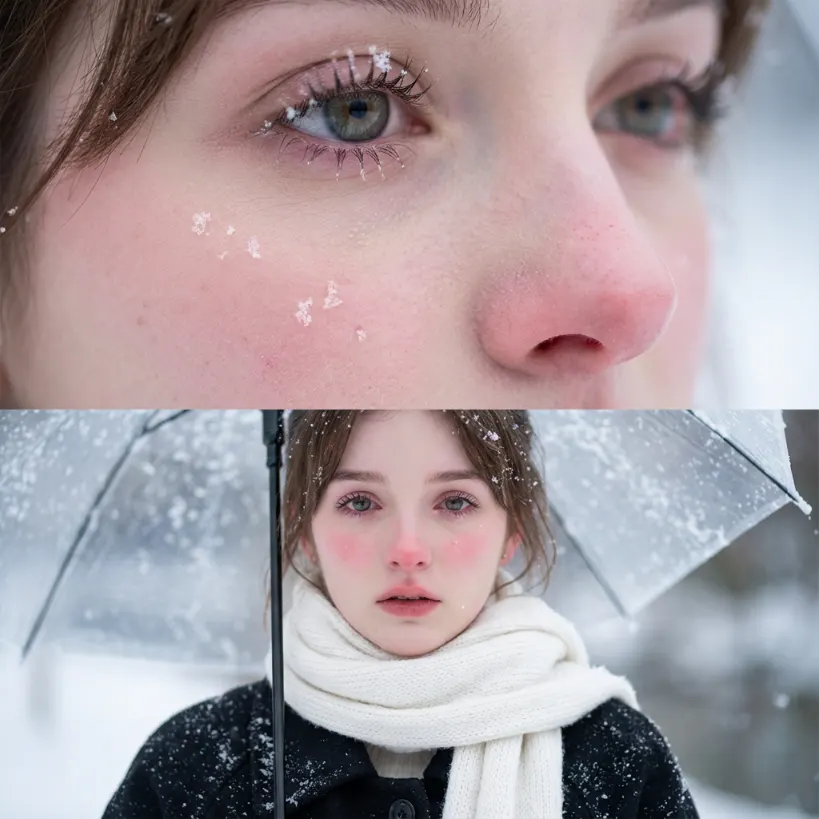 | |
| Three-Frame Emotional Portrait | Vertical 9:16 cinematic composite of me in winter snow, split into 3 stacked frames. Top frame: close-up of my eye and cheek, snowflakes cling to my lashes and a few rest on my rosy cheek. My eyes glisten with faint tears, nose and cheeks softly red from the cold under diffused cinematic light. Realistic skin texture, pores, and frost detail visible. Middle frame: medium ¾ profile shot, I gaze upward (~50°) holding a clear umbrella as snow falls on shoulders, scarf, and hair. My cheeks and nose show cold blush, eyes shimmering with emotion. Soft winter light gives a serene, cinematic glow. Bottom frame: close portrait, chest-up, facing camera with quiet melancholy. Snowflakes rest gently on lashes and cheeks, skin luminous with frosty flush. Wearing a black wool coat and thick white knitted scarf (wrapped once, ends hanging naturally, hair tucked inside), holding a clear umbrella. Lighting: soft, natural daylight, HDR tone, shallow depth (85mm f/1.2). Mood: emotional, calm winter romance. | 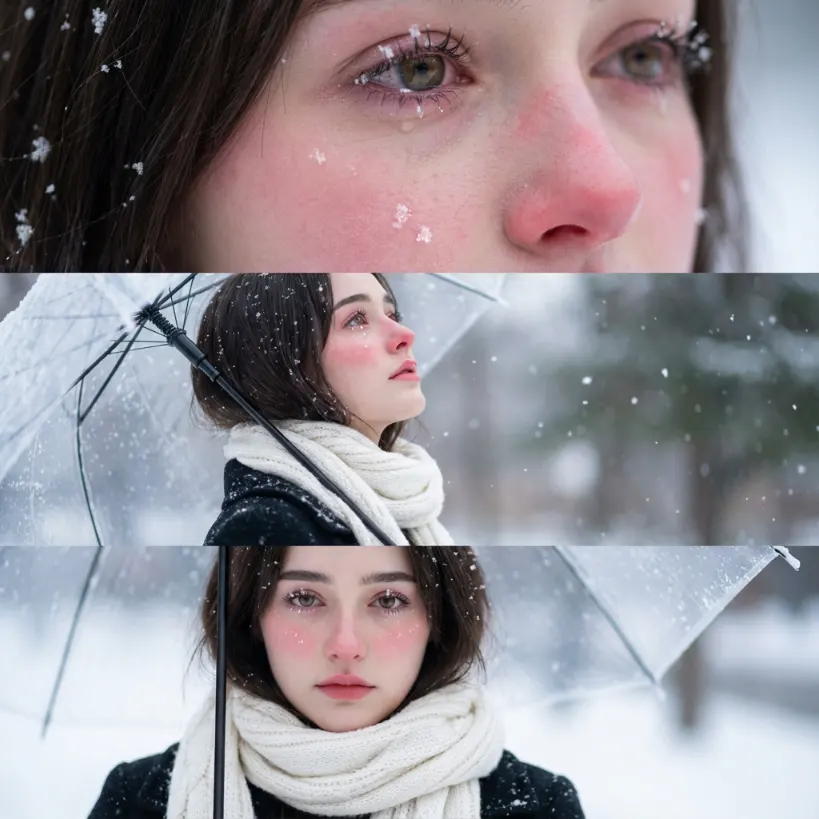 | |
| Intimate Winter Close-Up | Use my same facial features exactly — keep 100% identical face shape, eyes, nose, lips, ears, and hairstyle from the reference photo. Create a 9:16 cinematic vertical close portrait of me in the snow, facing the camera softly. My expression is calm and slightly melancholic, eyes tearful with a faint watery gloss from the cold. Snowflakes lightly cling to my eyelashes, cheeks, and coat. My cheeks and nose are visibly red from the frost, skin luminous with a natural cold blush under soft winter light. My long dark hair flows naturally outside the scarf, strands resting over shoulders with a few fine hairs caught by falling snow. Outfit: black wool winter coat, thick white knitted scarf wrapped once around neck (not covering jawline or hairline), hair flowing freely outside the scarf, no hat. Lighting: soft cinematic daylight, realistic HDR tone, natural bokeh. Camera: 85mm f/1.2 lens, ultra-realistic skin texture, lifelike snow particle rendering. Mood: emotional, quiet, and intimate winter film aesthetic. Negative prompt: fake snow, overexposed whites, plastic skin, flat lighting, anime style, hats or headwear. | 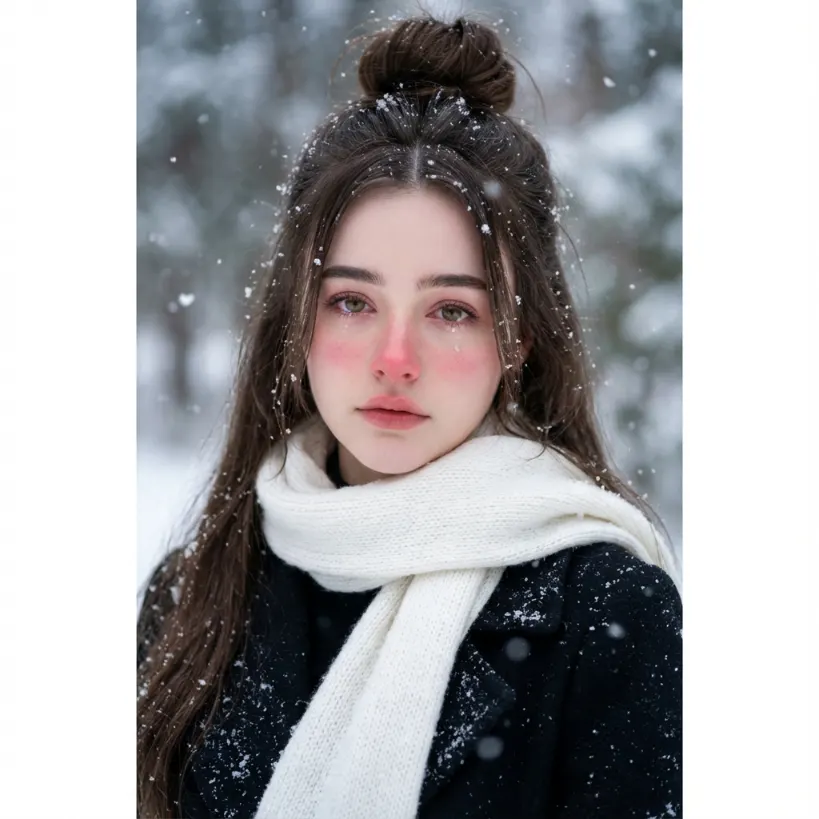 | |
| Catching Snow Moment | Use my same facial features, keep 100% identical face shape, eyes, nose, lips, ears, and hairstyle from the reference photo. Create a 9:16 cinematic vertical portrait of me standing outdoors in falling snow, captured mid-shot from mid-thigh to head. I am slightly angled sideways toward the camera (¾ profile), head tilted upward about 50° toward the sky, holding a clear umbrella in one hand while extending my other hand outward, palm facing upward as if catching the falling snow. Snowflakes rest on my eyelashes, cheeks, and coat, faintly melting on my flushed skin. My expression is calm and filled with wonder — serene and cinematic, like a romantic winter film scene. Outfit: a black wool winter coat with a thick knitted white scarf wrapped once around neck (not covering the jawline), hair tucked inside the scarf, no hat. Lighting: soft diffused daylight with cinematic HDR tone and natural cold ambience. Camera: 85mm f/1.2 lens, shallow depth of field, ultra-realistic optics, detailed snow particles, natural bokeh. Mood: emotional, reflective, and beautifully melancholic. | 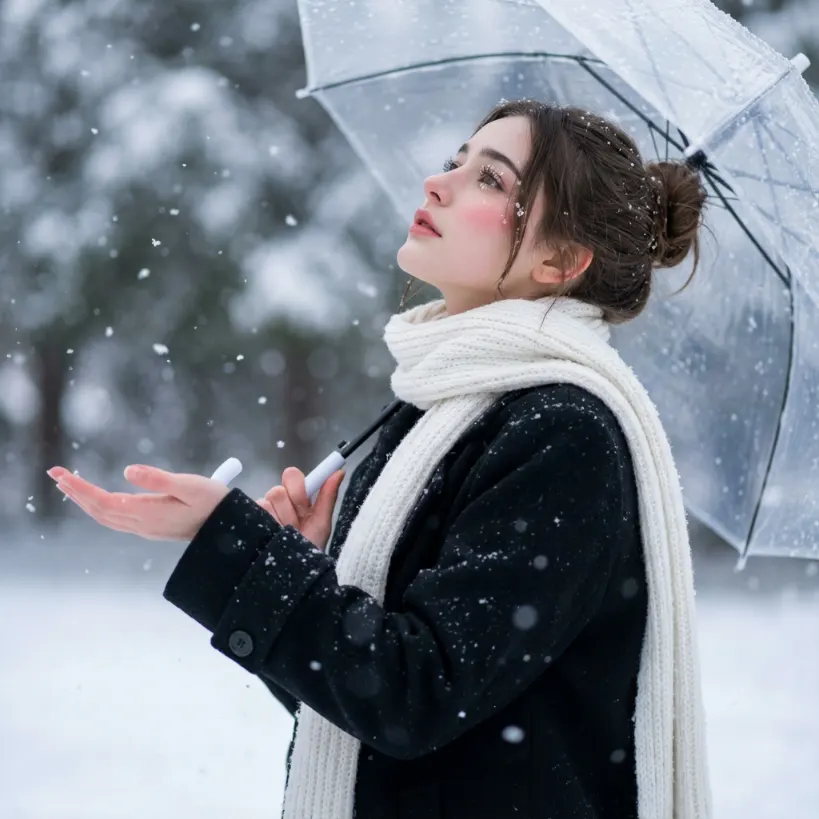 | |
| Gentle Holiday Snow | Add gentle, peaceful snowfall perfect for Christmas cards. Light, fluffy snowflakes falling softly with warm, cozy lighting. Create a serene winter atmosphere that feels welcoming and festive, ideal for holiday photos. | 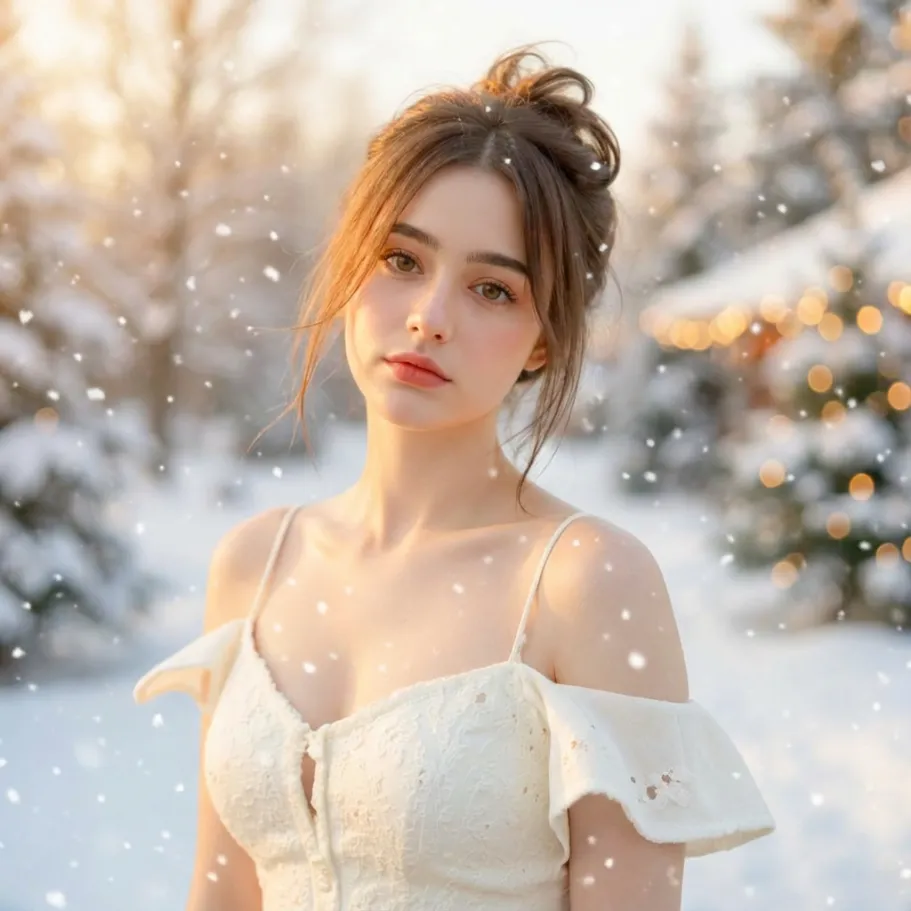 |
AI Snow Filter - Frequently Asked Questions
Find comprehensive answers to common questions about our AI snow filter and learn how to create the most realistic winter photo effects.
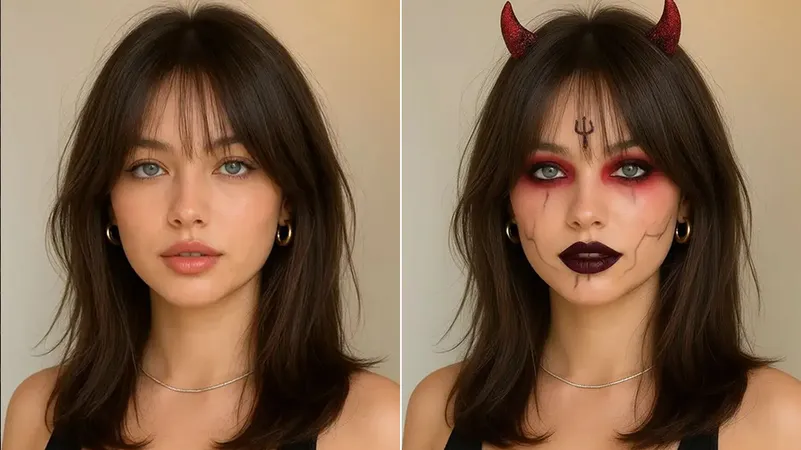
Transform Your Photos with AI Snow Magic Today
Experience the wonder of winter with Editimg.ai's AI snow filter powered by Nano Banana technology. Create stunning snow-enhanced photos that capture the magic and beauty of winter, regardless of the season. Start your winter transformation journey now.