Unlock Unprecedented Creative Control with FLUX Kontext
FLUX.1 Kontext isn't just another image editor; it's your creative co-pilot. Explore a new dimension of image manipulation with features designed to deliver precision, consistency, and speed.
Unmatched Character Consistency
FLUX Kontext offers groundbreaking character consistency. Preserve the unique elements of a subject – be it a person's face, a specific product, or an artistic motif – across multiple environments and edits.
Precision Local Editing
FLUX Kontext allows for incredibly precise, local edits. a shirt color, an object in the background, a facial expression, or text on a sign – can all be changes while leaving the rest of your image perfectly intact.
Effortless Style Transfer & Reference
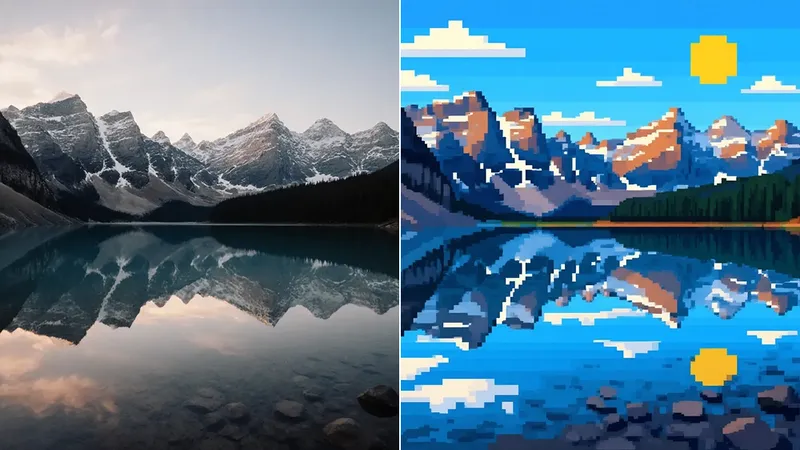
Instantly apply the artistic style of any reference image to your creations, all guided by your simple text prompts. FLUX Kontext makes complex style transformations intuitive and fast.
Interactive Speed & Real-Time Creativity
FLUX Kontext models, especially the FLUX.1 Kontext [pro] version, operate at remarkable speeds, delivering high-quality edits in as little as 6 to 12 seconds.
Imagine the Possibilities with FLUX Kontext
The applications of FLUX.1 Kontext are vast, limited only by your imagination.
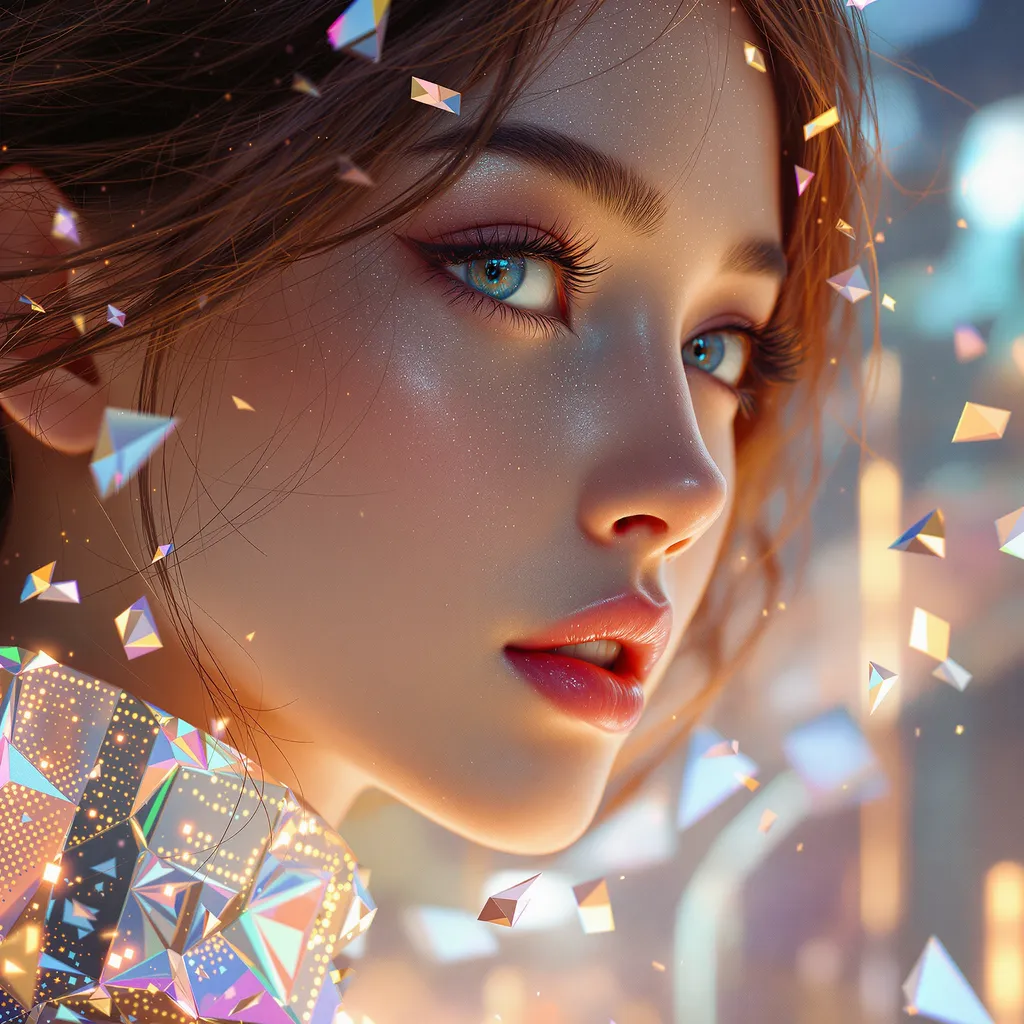

change the image to pop art style poster


Turning juice into lemons while keeping your pet's position, posture and lighting constant


Add bold, retro-style text at the top of the image that says "COOL DOG SUMMER". Use a playful, vintage font with a white or light pastel color (like baby pink or light yellow) and a slight shadow for depth. Make sure the text pops against the blue sky background. Add subtle grain or sun-faded texture to enhance the summer poster vibe.


Remove the people in the picture


Add a single person sitting naturally on the small white boat in the center of the original photo. The person should blend realistically with the lighting and perspective. Do not change any other elements in the image — keep the water, sky, clouds, and background exactly the same. Maintain photorealistic style.


Replace the woman’s outfit with a modern business casual look: a light beige blazer, white blouse, and tailored high-waisted beige trousers. Keep her hair the same, keep the bag and shoes professional and elegant. Maintain the lighting and background exactly as in the original image.


Change style to ghibli


Remove the watermark from the picture


Change the background into a beautiful garden
Simple Steps to Master FLUX Kontext
Editing images with FLUX.1 Kontext is designed to be intuitive. Follow these simple steps to start transforming your visuals:
Upload Your Image
Begin by uploading the image you want to edit. This will be the base for your FLUX Kontext modifications.
Provide Your Edit Instruction
This is where the magic of FLUX Kontext shines. Use natural language to describe the changes you want. You can combine text prompts with a reference image for more nuanced control (e.g., 'change her dress to this style' while providing an image of the desired dress style).
Refine and Download
Review the edited image. If needed, you can perform further edits with FLUX Kontext. Once satisfied, download your masterpiece.
Choose Your FLUX.1 Kontext Powerhouse
FLUX.1 Kontext is available in different versions, each tailored to specific needs and creative ambitions. Find the perfect FLUX Kontext model for your projects:
FLUX.1 Kontext [pro]
The Professional's Choice for Speed and Precision. FLUX Kontext [pro] excels at character consistency, local editing, and style referencing, operating up to an order of magnitude faster than previous state-of-the-art models.
FLUX.1 Kontext [max]
When every detail matters and premium output is paramount, FLUX Kontext [max] offers the highest image quality, greatly improved prompt adherence (especially for complex instructions), and superior typography generation within images.
FLUX.1 Kontext [dev]
The Innovator's Playground (Currently in Private Beta). FLUX.1 Kontext [dev] is a lightweight diffusion transformer designed for customization and integration. This version, suitable for research and development.
Frequently Asked Questions about FLUX Kontext
Have questions about FLUX.1 Kontext? We've got answers to help you understand its capabilities and how it can benefit you.

Ready to Revolutionize Your Image Editing with FLUX Kontext?
Stop wrestling with clunky tools and unlock the intuitive power of FLUX Kontext. Start creating and editing images with unparalleled precision, speed, and creative freedom today. Experience the FLUX.1 Kontext difference and see how it can elevate your visual projects. Your images will never be the same.