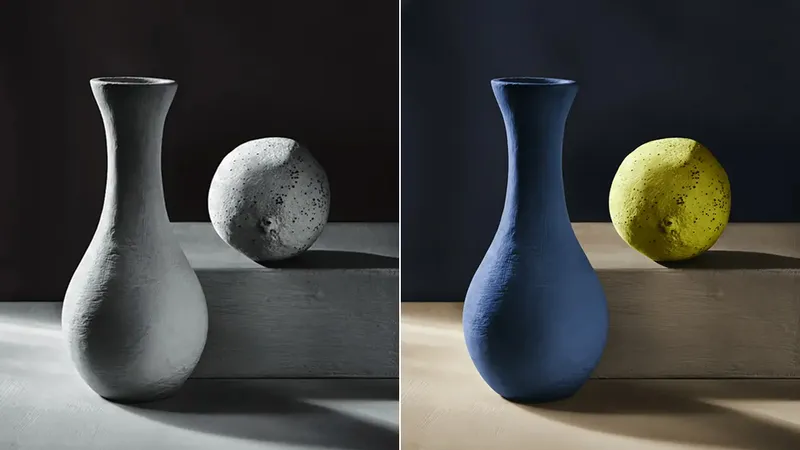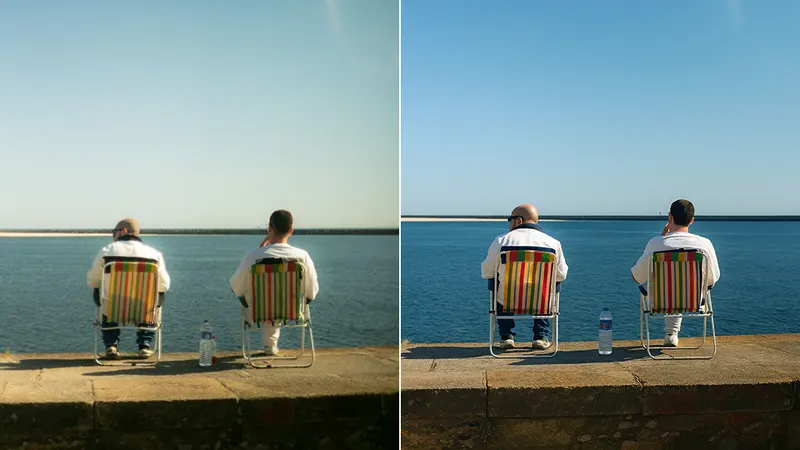






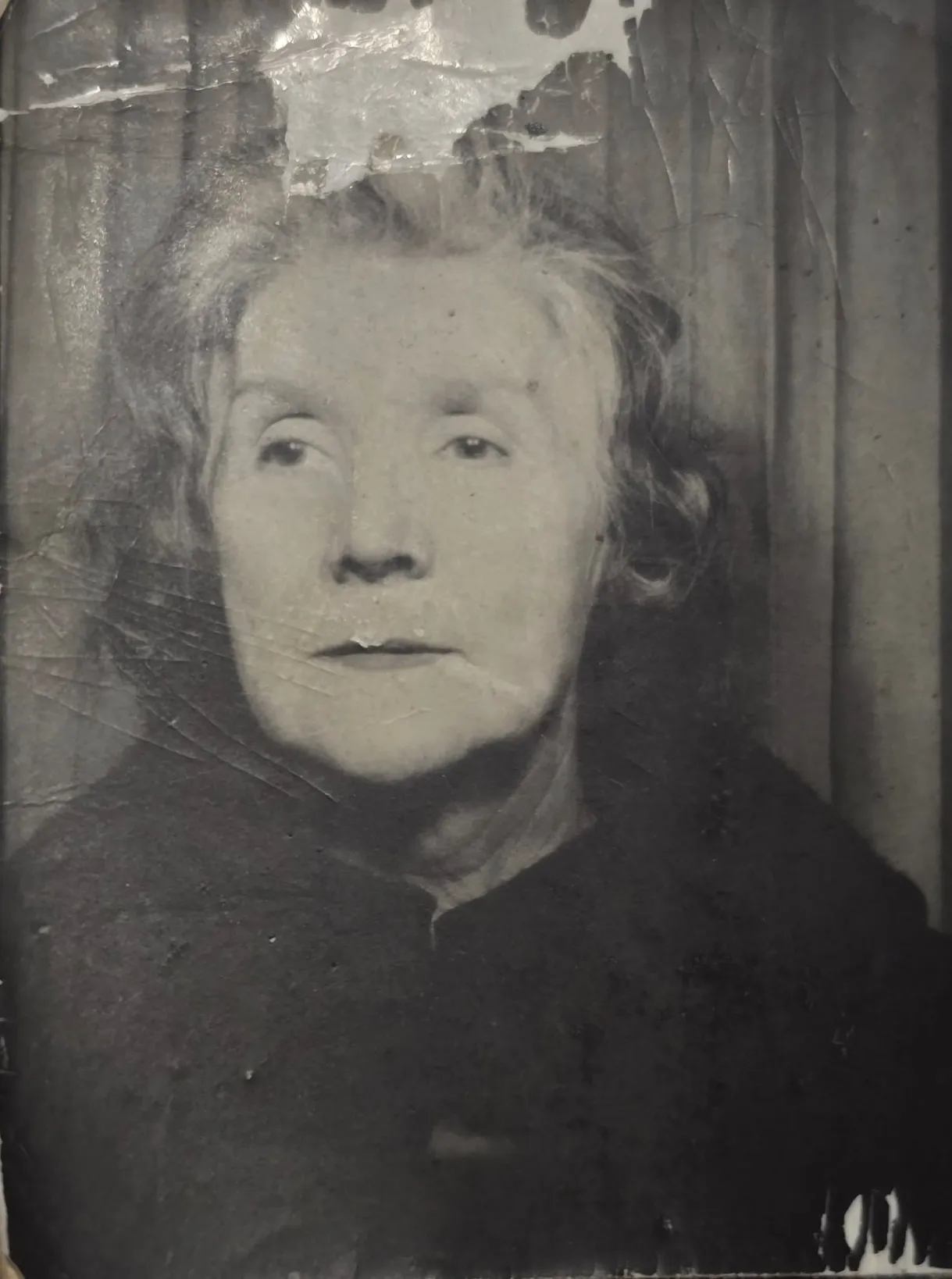

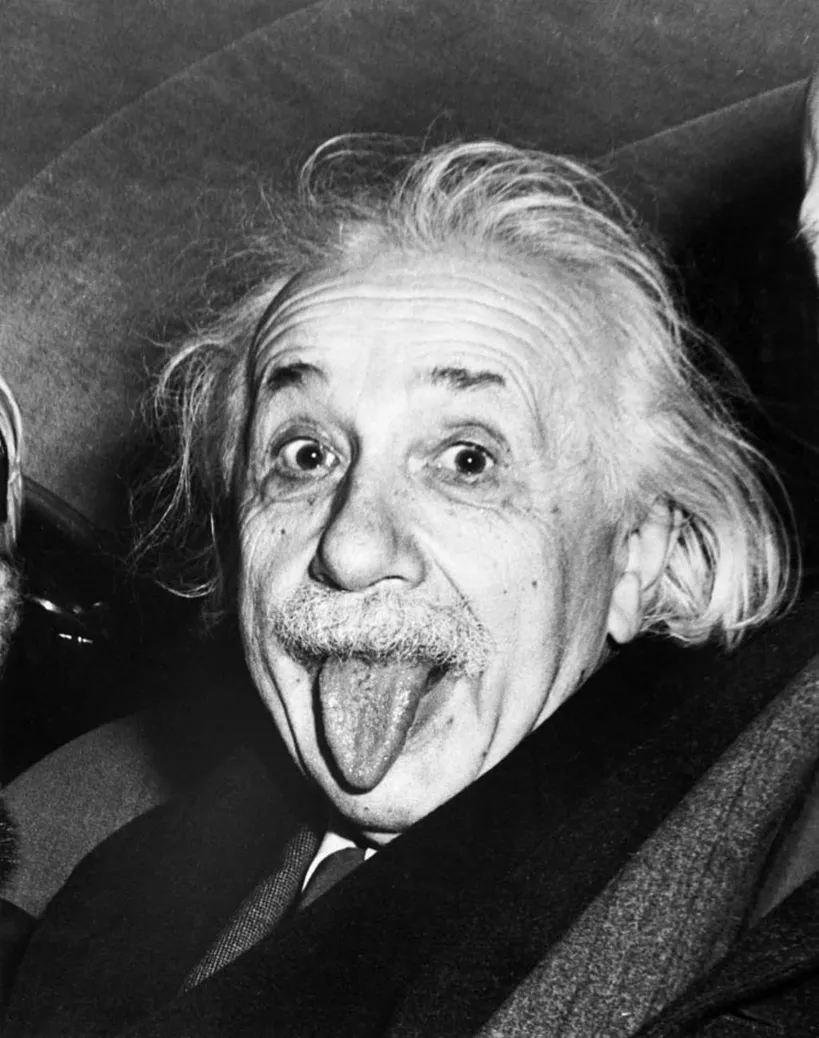

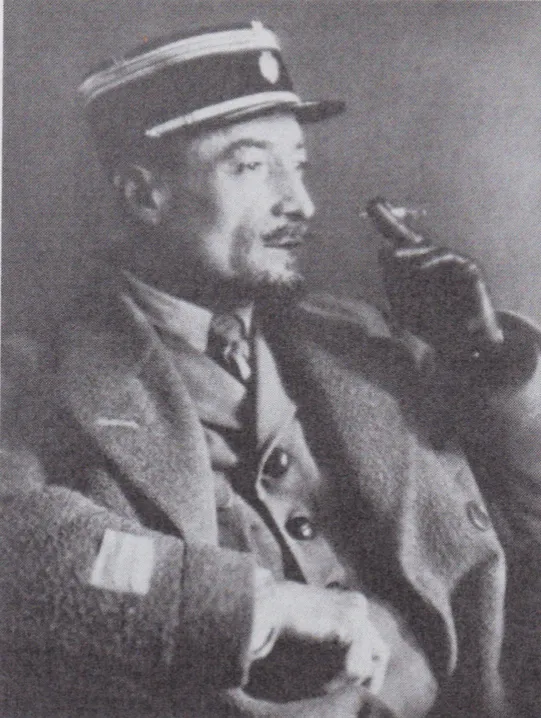



사용 방법
세 단계로 손쉽게 사진을 복원하세요.
01
사진 업로드
복원할 사진을 업로드하세요.
02
복원 옵션 선택
원본 유지 또는 강력 복원 등 옵션을 선택하세요. (restore-photo)
03
결과 확인 및 다운로드
복원된 이미지를 확인하고 저장하세요.
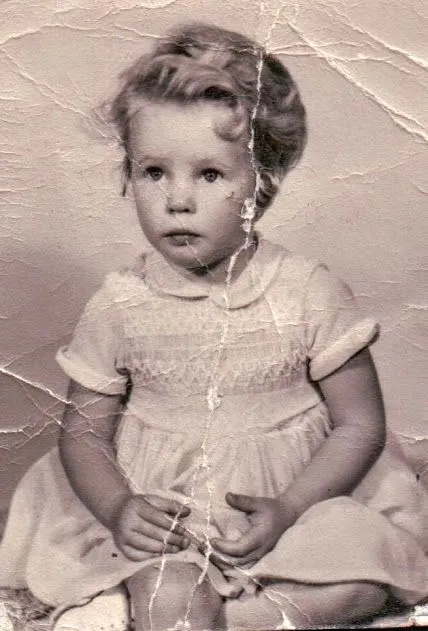
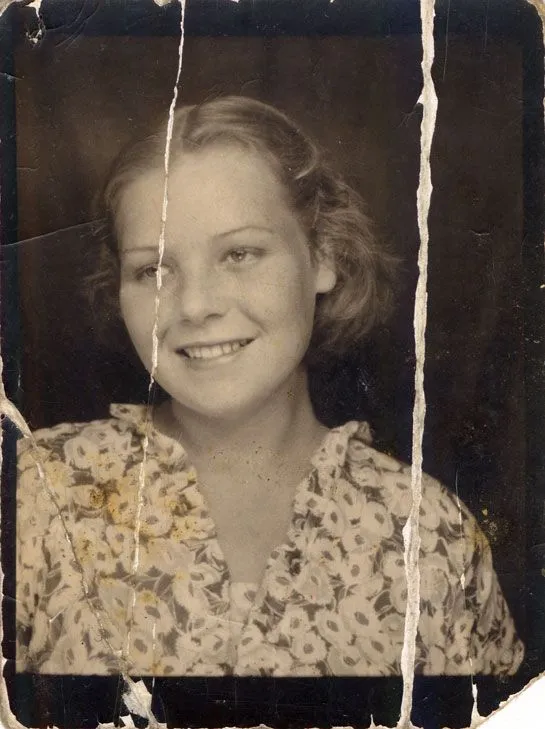
RestorePhoto.Examples.title
RestorePhoto.Examples.description










RestorePhoto.TestimonialSection.title
RestorePhoto.TestimonialSection.description
"
RestorePhoto.TestimonialSection.content.1.testimonial
RestorePhoto.TestimonialSection.content.1.name
RestorePhoto.TestimonialSection.content.1.role
"
RestorePhoto.TestimonialSection.content.2.testimonial
RestorePhoto.TestimonialSection.content.2.name
RestorePhoto.TestimonialSection.content.2.role
"
RestorePhoto.TestimonialSection.content.3.testimonial
RestorePhoto.TestimonialSection.content.3.name
RestorePhoto.TestimonialSection.content.3.role
RestorePhoto.FAQ.title
RestorePhoto.FAQ.description
RestorePhoto.FAQ.content.1.answer
RestorePhoto.FAQ.content.2.answer
RestorePhoto.FAQ.content.3.answer
RestorePhoto.FAQ.content.4.answer
RestorePhoto.FAQ.content.5.answer
RestorePhoto.FAQ.content.6.answer
RestorePhoto.FAQ.content.7.answer